
Adding a Color Library
When additionally registering a desired color, creating a new color library will make it easier to manage libraries for each application.
Procedure
-
Click an object that has been added to a canvas to select it.
The operation panel for the selected object is displayed on the left side of the window.
-
Click the color setting for the fill or line.
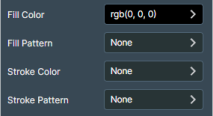
-
Click Add Color Library.
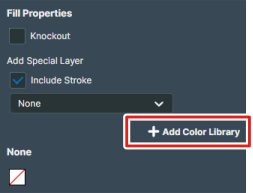
-
Enter the name of the color library to create, and then click Add.
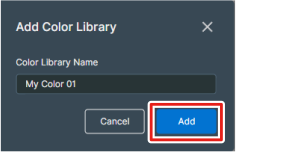
When additionally registering a new color in the created color library, operate from the
 icon.
icon.