
Extracting a Color from an Object
This section introduces how to register the color extracted from an object in My Colors and use it as a color for another object.
Procedure
-
Click an object that has been added to a canvas to select it.
The operation panel for the selected object is displayed on the left side of the window.
-
Click the color setting for the fill or line.
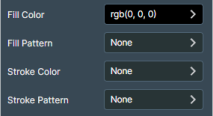
-
Click Manage My Colors under My Colors.
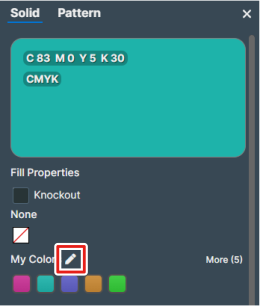
-
Click Add Color.
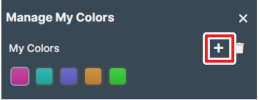
-
Extract the color from the object.
-
Select
 Pick color from canvas for Color.
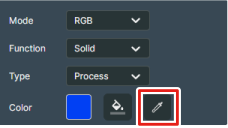
The mouse icon changes to the dropper tool.
-
Select
-
Use the extracted color to replace the color of a fill or line.
Select
 Paint Bucket Tool for Color, and click the object to change the color of.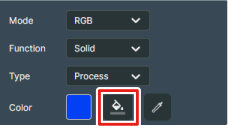
- Click Apply to close Manage My Colors.