
Carrying Out Preparations on the Printer to Remove the Rotary Axis Unit
Procedure
-
Switch on the printer's main power.
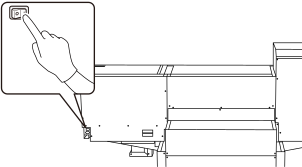
-
Press the sub power button.
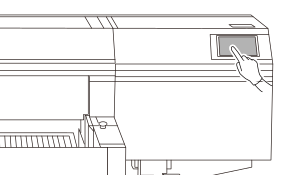
-
Tap
 on the operation panel's home screen.
- Tap in sequence.
-
Tap Execute next to Move Table to Attachment/Removal Position.
The flat table moves to a position where the rotary axis unit can be removed.