
Setting the Orientation of the Thumbnail
You can change the orientation of the image (thumbnail) that is being output and is displayed on the operation panel.
Procedure
-
Tap
 .
.
- Tap .
-
Select Enable or Disable.
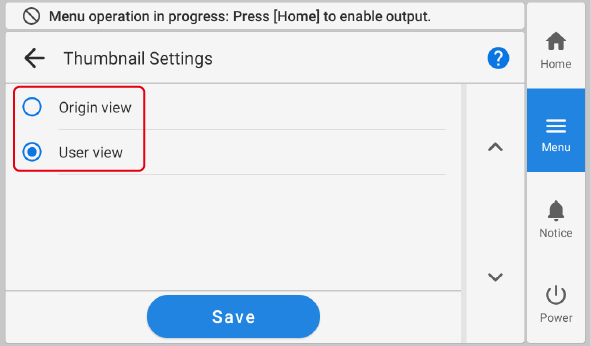
Enable The orientation of printing and the orientation of the image (thumbnail) are the same. Disable The image (thumbnail) is rotated 180 degrees in relation to the orientation of printing. - Tap Save to confirm your entry.
-
Tap
 to return to the home screen.
MEMO Default setting: Disable
to return to the home screen.
MEMO Default setting: Disable