
Changing the Flat Table Operating Speed
The flat table forward/backward operation speed can be increased for operations other than printing. The speed at which the flat table moves, such as the printer initialization speed, can be changed.
Procedure
-
Tap
 .
.
- Tap .
-
Tap
 or
or  to change the settings.
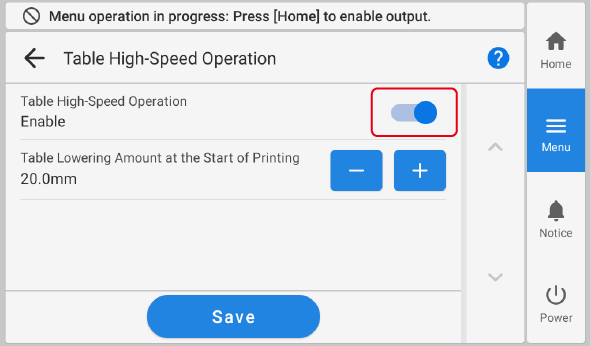
Table High-Speed Operation Description The flat table moves forward/backward at a faster speed for operations other than printing.
The flat table operates more slowly.
IMPORTANT When Table High-Speed Operation is set to, the head gap sensor may come into contact with the object to be printed on during the operation of the flat table before printing. To prevent this contact, set a larger lowering amount in advance.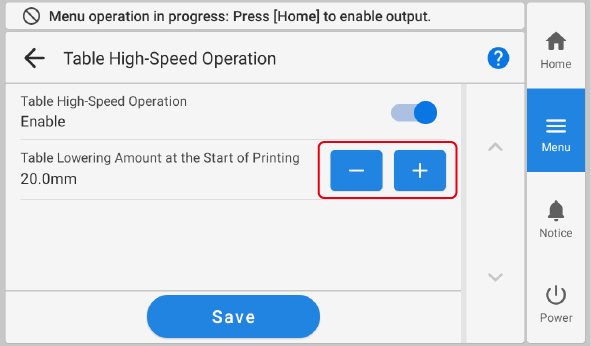
- Tap Save to confirm your entry.
-
Tap
 to return to the home screen.
MEMOTable High-Speed Operation
to return to the home screen.
MEMOTable High-Speed Operation- Default setting:
Table Lowering Amount at the Start of Printing- Default setting: 3.0 mm (0.12 in.)
- Default setting: