
2. Add Cutting Lines to the Print Data
Add cutting lines to the print data, which has been read into Designer, and create Print & Cut data. Cutting lines are added to the layer for cutting.
Procedure
- On the function toolbar, click
 Layers.
 - Click .
- Select the cutting layer.
- On the design toolbar, click
 Path.
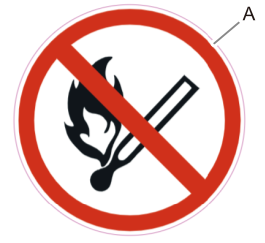
Path. - Select Ellipse, and draw the cutting lines.Here, a cutting line is drawn around the print data.
- Click Stroke Color, and then select the magenta icon (CutContour) under Roland Contour Colors.The drawn circle (A) becomes magenta to use for cutting.
- Click Save Design.