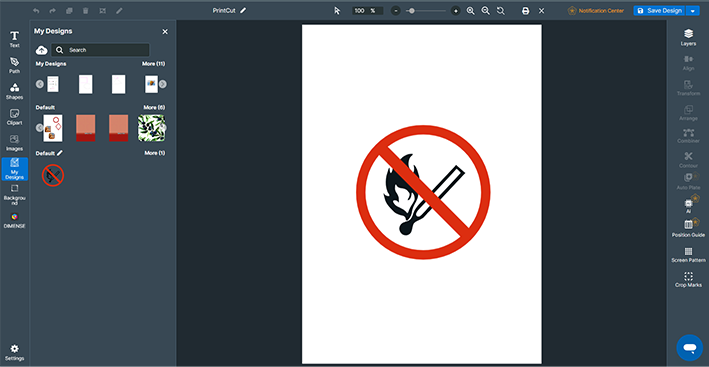
1. Place the Print Data
Procedure
- Start Designer.
- From the dashboard, click New Design.
- Click Visual Communication Design.
- Specify the design setting, and then click Create.
Create a new design by changing the design name, setting the size, and configuring initial settings such as vertical or horizontal orientation.
You can also change the settings later from the design window.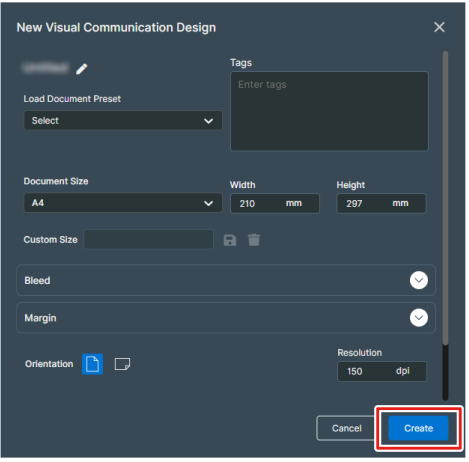
- On the design toolbar, click
 My Designs.
 - Click
 Upload File and upload a file from your computer.
 - Click the image uploaded.The specified image appears on the canvas.
- Adjust the position and size of the image.