
Step 2: Setting Crop Marks
Set the crop marks.
Procedure
- Select the cutting line, and then click
 Crop Marks on the function toolbar.Crop marks will be added to the four corners of the print data.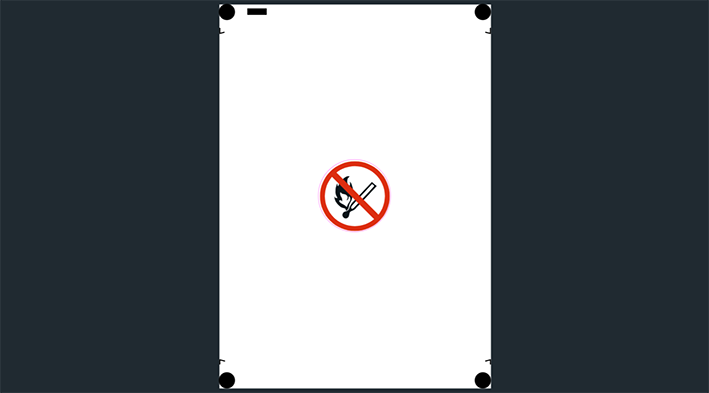
- Click Save Design.The Print & Cut data will be saved.