
Checking the Finished Results of the Design
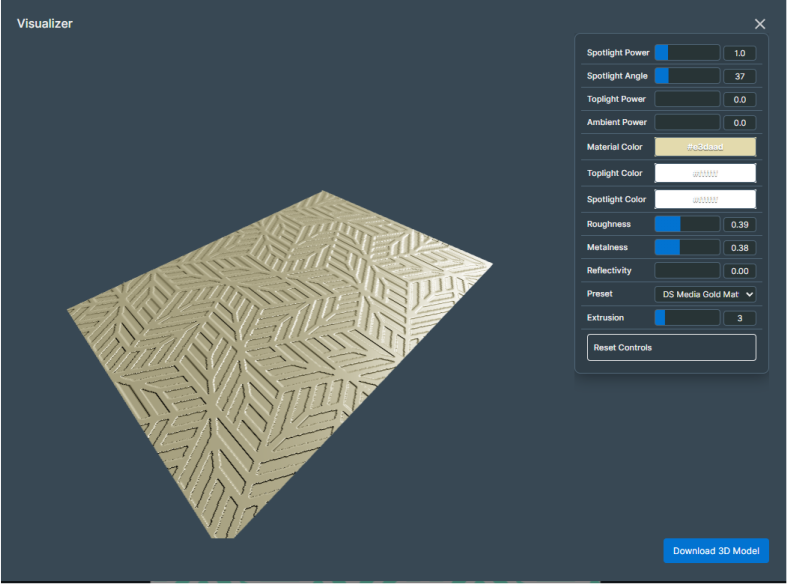
This section introduces how to use a visual image to check the three-dimensionality and texture of the edited design.
MEMO
You can use this function when you have selected a product that supports visualization in the design settings.
Procedure
-
On the function toolbar, click
 Visualize.
A visual image for the design is displayed. If editing of the design is in progress, perform the operation after saving the design file.
-
Check the three-dimensionality and texture of the edited design.
MEMO
When you have selected a DIMENSE product
The areas of the design where structural ink is specified for the fill and the lines are the areas that will be recessed when printed using a DIMENSE printer.Check to see if you can create a design that fits the image by changing the setting values to match the actual printed materials and installation environment.
-
To save the visualization results as a 3D model, click Download 3D Model.
The 3D model data is saved to your computer.
- Once you have checked the design image, click × to close it.