Creating a New Design
This section introduces how to set the size of the canvas where images and text will be placed.
Procedure
-
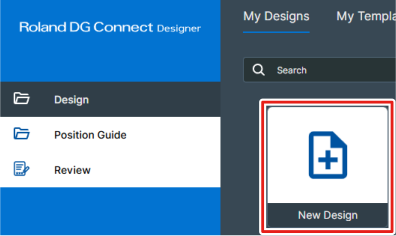
From the dashboard, click .
-
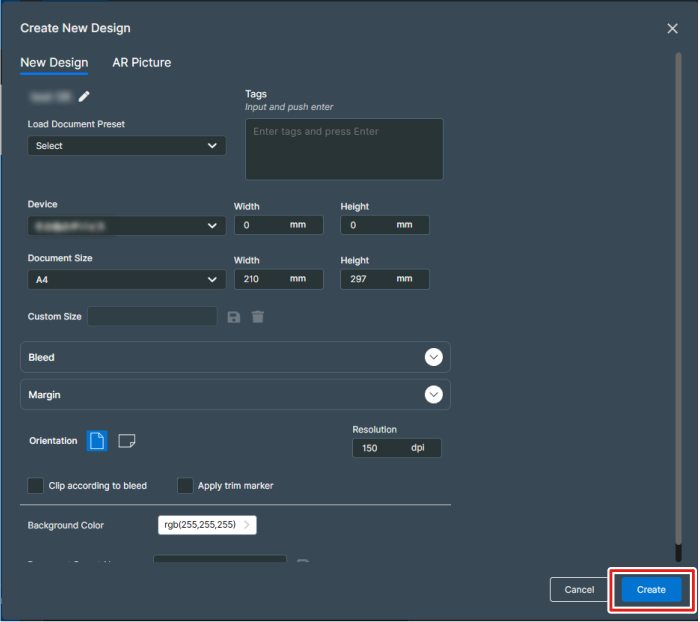
Select the name of the model to use from Device, and then specify the design settings.
Configure initial settings, such as changing the design name, setting the size, and selecting vertical or horizontal orientation.
You can also change the settings later from the design window.
-
Click Create.