
Perform Printing
Procedure
-
Correctly load in the machine the media or the object to be printed on and enable printing.
For details on how to load media, refer to the documentation for the machine you are using.
-
Click
 .
.
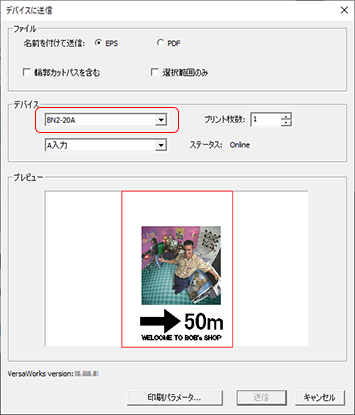
The Send to Device dialog box appears.
-
Select the machine where the data will be sent.
If the machine you are using is not displayed, it has not been set in VersaWorks.
For details on how to set the machine to output to, see the "VersaWorks Installation Guide."
-
Click Send.
Printing starts.