
1. Printing for Cutting Test and Performing the Cutting Test
Procedure
- Set up the media.
- Tap
 .
. - Tap .
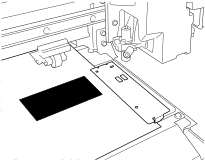
- Tap Execute next to Printing for Cutting Test.A test pattern is printed.
- Tap Execute next to Cutting Test.
The test pattern is cut.
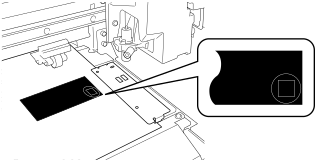
.The test pattern is cut.