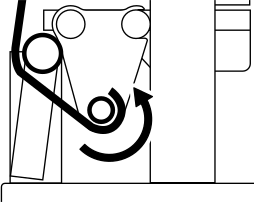
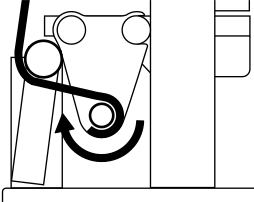
Take-up Unit Settings
The following three take-up unit settings are available.
- Take-up during Cutting
Enabled Disabled The media is taken up during cutting while slack is being created. This prevents the media from touching the floor, but the cutting time becomes longer.
The media is taken up after all cutting finishes. Although the cutting time is shorter than with Enabled, the media will touch the floor with longer cutting data.
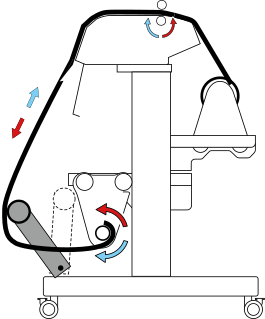
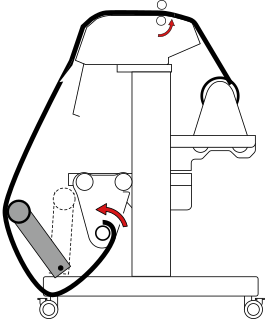 MEMO If you have selected Enabled, note the following points.
- To preserve cutting quality, the speed may be limited to the optimum speed for Cutting Speed and Rise Movement Speed depending on the set media.
- Take-up is not performed during cutting for the Blade Adjustment, Print & Cut Position Adjustment, and Crop Cut Position Adjustment printing tests.
- Take-up Method
Loose Winding Tension Winding The media is taken up with some slack. This is suited to PVC and other such stiff or slippery media.
The media is stretched and taken up. This is suited to tarpaulin and other such weak media and media that does not slip easily.
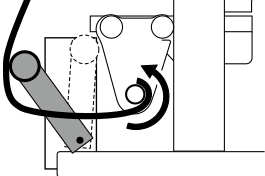
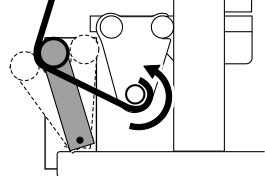
- Take-up Direction
Forward Backward The media is taken up with the printed surface on the outside.
The media is taken up with the printed surface on the inside.