
Setting Days on Which to Not Switch the Sub Power on Automatically
Procedure
-
Tap
 .
.
- Tap .
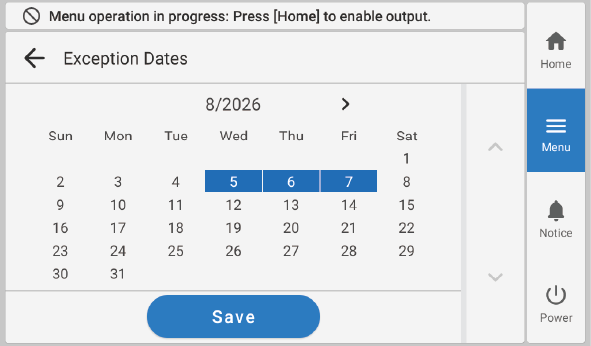
- Tap Exception Dates.
-
Tap the days on which to not switch the sub power on automatically.
MEMO You can set dates up to 12 months in advance.
- Tap Save….
-
Tap
 to return to the home screen.