
Aligning the Object to Be Printed on to the Grid
This section explains how to lay the printable media on the flat table and print grid lines on it. (In the following figure, the media is secured with tape affixed around the perimeter of the media. Use tape or other means to secure the media so that it will not change position even if the power is turned off and suction is lost.)
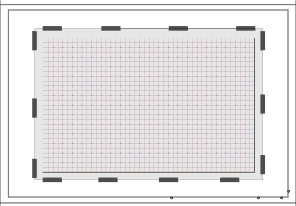
Use these grid lines to place the object at the position specified in the print data.
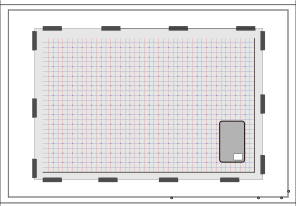
Characteristics of This Loading Method
- You can load multiple objects at once.
You can place objects at regular intervals along the grid lines.
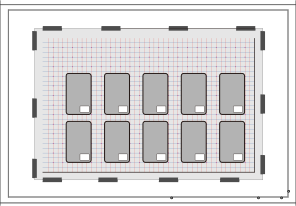
- You cannot suction the object to be printed on to the flat table since the media on which the grid lines are printed will cover the flat table.
If necessary, you may have to secure the object with a method other than suction, such as tape.
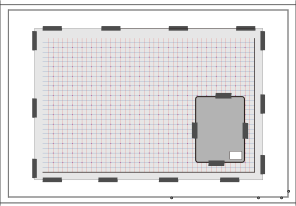
- Positioning accuracy is not high.
If you are printing on something for which even the slightest misalignment would be noticeable, you may want to use a different method.
- The grid is a general-purpose grid, so you can continue to use it even if the object changes.
However, if the grid lines become blurred or the media is torn, replace the media and reprint the grid lines.