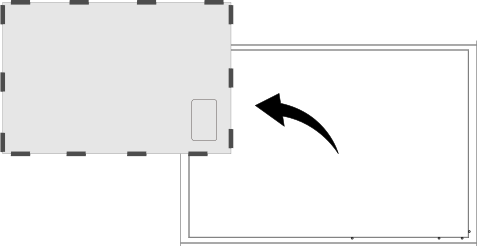
Printing Object Outline and Placing the Object over the Outline
This section explains how to lay the printable media on the flat table, and then print the outline of the object to be printed on.
Place the object on top of the printed outline so that the printed outline is hidden.
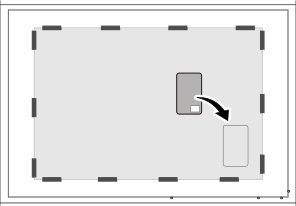
Characteristics of This Loading Method
- You can load multiple objects at once.
Print data is created with regular spacing, and then objects are placed according to their printing position.
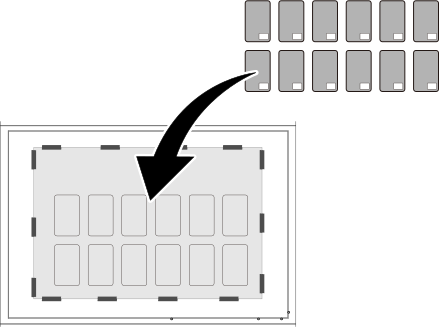
- You cannot suction the object to be printed on to the flat table since the flat table is covered with media.
If necessary, you may have to secure the object with a method other than suction, such as tape.
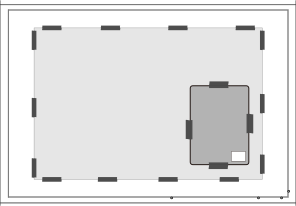
- Replace the media when changing the object.
Since it cannot be used for objects of different shapes and sizes, the printed media must be removed.