3. Configuring Printing Settings in PrintExp
Although printing settings are configured using VersaWorks, there also are items that must be set each time in PrintExp. This section explains the items that must be set each time in PrintExp. Configure other settings as necessary.Setting tab
Procedure
-
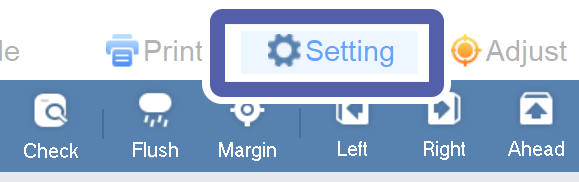
Click the Setting tab.
-
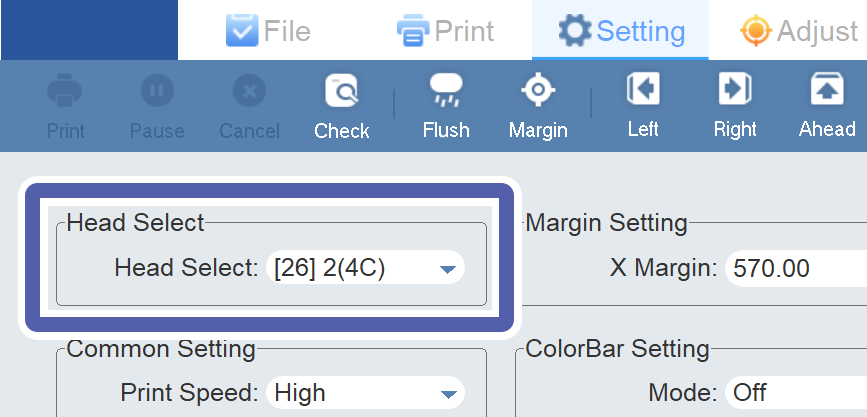
Select the print head of the color to use with Head Select.
For CMYK-only print data, select [26] 2(4C). For print data that includes Wh or Gl, select [26] 4C+ WV.
-
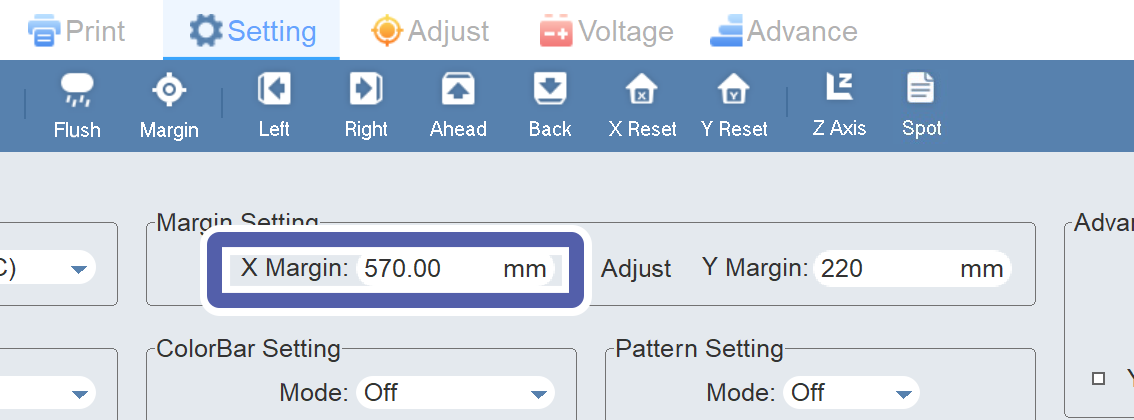
Enter the printing-start position on the X axis to X Margin in Margin Setting.
-
Enter the printing-start position on the Y axis to Y Margin in Margin Setting.
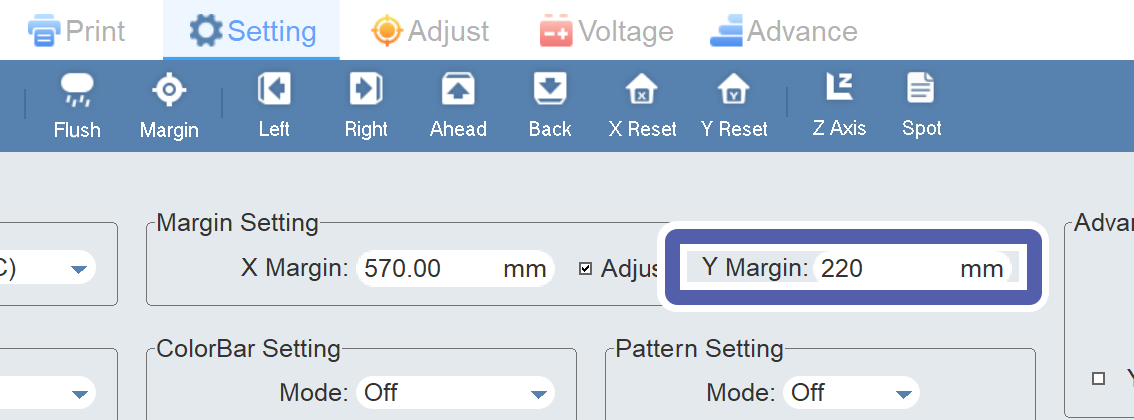 MEMOIf Y Margin cannot be viewed due to letters overlapping on the screen, set the screen resolution to 1,366 × 768.
 IMPORTANT
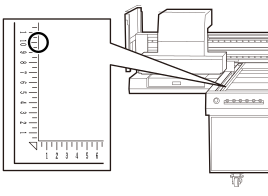
The print origin on the Y axis is set at 100 mm (3.94 in.) on the scale of the flat table.