4. Adding a Job Created with VersaWorks to the PrintExp Print Job List
Use VersaWorks to configure various print settings and perform RIP for print data that was created with commercially available design software. Then add the print data processed by the RIP with VersaWorks to PrintExp Print job list and perform printing.
Procedure
-
Click the File tab.
-
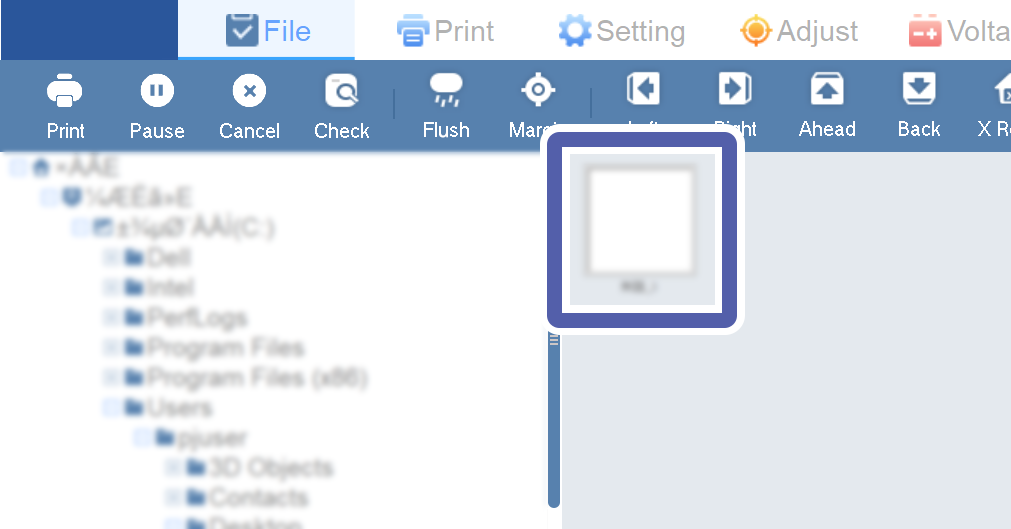
Select the folder where the print data processed by the RIP with VersaWorks is stored.
The preview of the print data file in the selected folder is displayed.
-
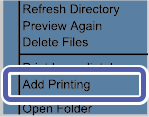
Right-click the print data file and select Add Printing.
The print data file will be added on Print job list.