5. Performing Printing
Check the remaining ink amounts before starting printing. When the amount of ink becomes low, the machine will sound a warning beep. Refill the ink and resume operation.
Check that the print-head carriage has returned to the maintenance station. If the machine detects an intrusion into the movable range of the print-head carriage while the carriage is not in the maintenance station, the safety protection function is activated to stop the machine.Safety Protection Function
-
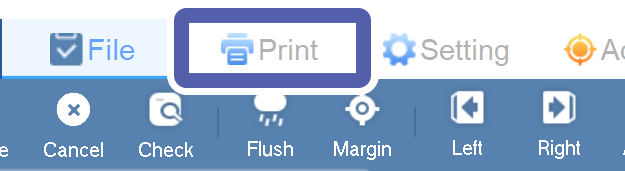
Click the Print tab.
-
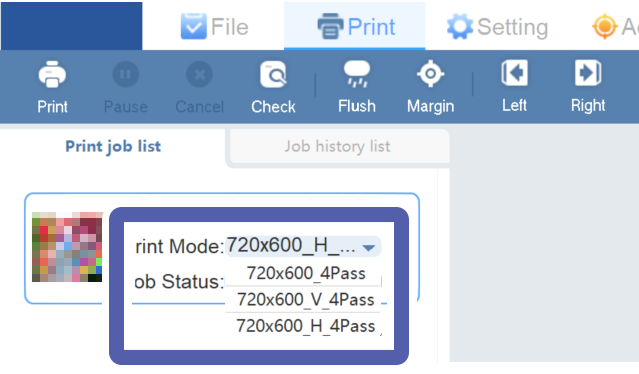
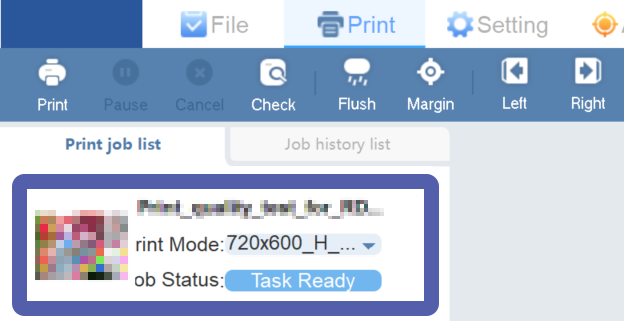
Use Print job list to check the print job Print Mode.
Print Mode displays the resolution when print data RIP is performed.MEMO
When the print data is processed by the RIP at 720 x 600 dpi
Select 720x600_H_4Pass if [26] 2(4C) has been selected in Head Select on the Setting tab.
Select 720x600_4Pass if [26] 4C+ WV has been selected in Head Select on the Setting tab.
 MEMO
MEMOIf letters are overlapping on the screen, click another job and click the job to print again.
-
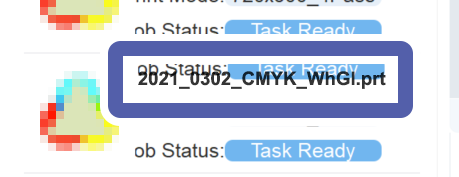
Right-click a job to print on Print job list.
-
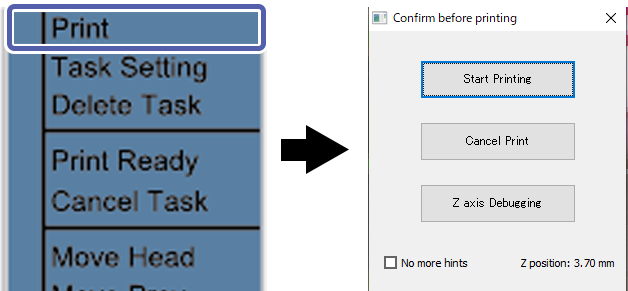
Click Print.
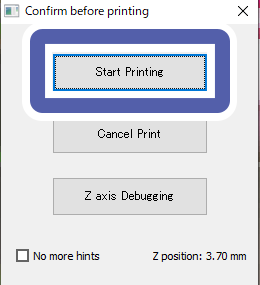
The Confirm before printing window appears.
-
Click Start Printing.
Printing starts.