Safety Protection Function
If the machine detects that a person or object has intruded into the movable range of the print-head carriage while the machine is operating with the print-head carriage not positioned above the maintenance station, the machine immediately stops operation. This function prevents contact with the print-head carriage, which moves at high speed.
Procedure
-
Check the PrintExp screen.
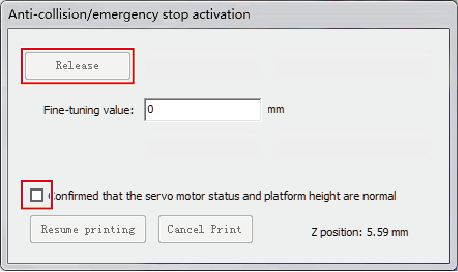
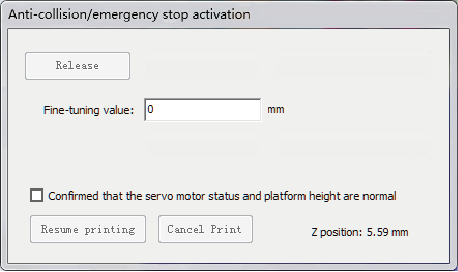
When the safety protection function is activated, the Anticollision/emergency stop activation window appears.
-
Check the safety of the surrounding area.
Check that there are no persons or objects within the machine movement range, then after confirming safety, proceed to the next step.
-
Perform the operations shown below in the Anticollision/emergency stop activation window.
- Select the confirmed that the servo motor status and platform height are normal check box.
- Click Release.