
Step 7: Removing the Retainers
IMPORTANT
- Make sure to remove all the retainers. Any that remain may cause faulty operation or breakdown when the power is switched on.
- Store the retainers because they are needed again when transporting the machine.
Procedure
-
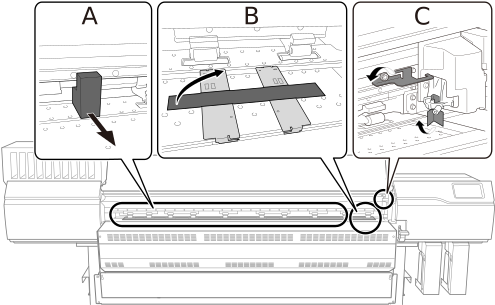
Open the front cover, and then remove the retainers (A, B, and C) shown in the figure.
-
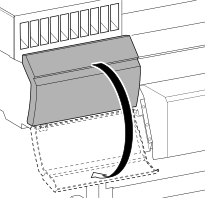
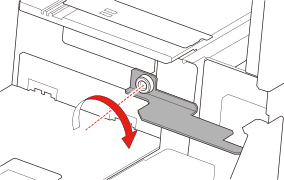
Open the left cover, and then attach retainer C.
Use the bolts removed in step 1.
-
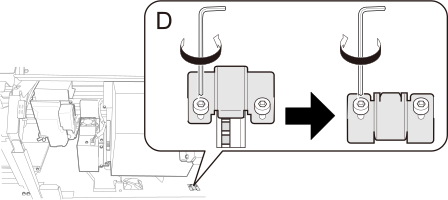
Open the right cover, remove retainer D, and then install it again with different orientation.
Rotate retainer D by 180° and install it at the position that hides the gear.
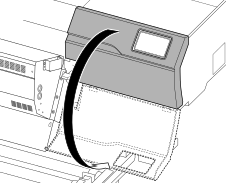
- Close the front, left, and right covers.