Selecting Objects
Click  , and then click the object.
Interface items appear around the selected object.
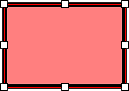
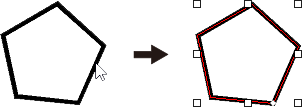
If the object is not filled, click its line.
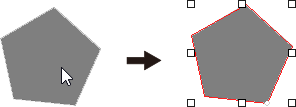
If the object is filled, click inside it.
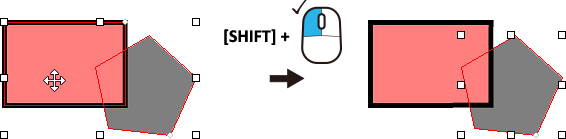
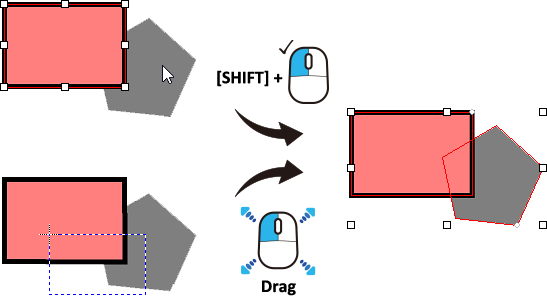
To select multiple objects, hold down the [Shift] key as you click the objects.
Alternatively, click , and then drag the mouse pointer to select the part of the object.
To release all selected objects, click any location other than a selected object.
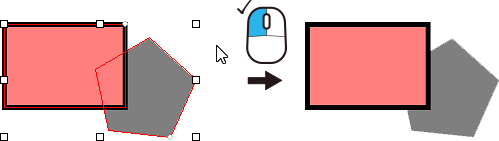
To release a specific object from a group of selected objects, click the object while holding down the [Shift] key.