Changing the Size of and Rotating Objects
Click or double-click an object.
Interface items (control points) appear around the object.
Double-clicking a selected object switches between the types of interface items.
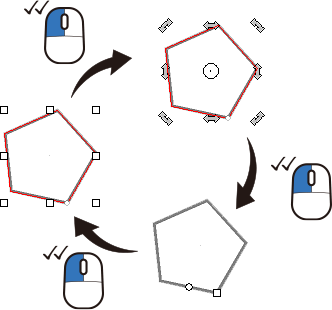
The available operations vary depending on the type of object that is selected.
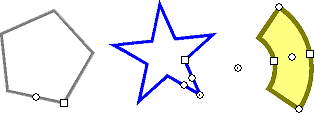
Changing the Shape of a Single Object
Click an object, and then drag the interface items.
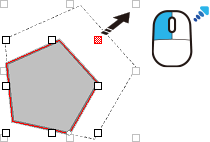
Double-click an object, and then drag the interface items.
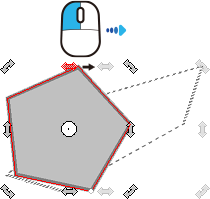
Double-click an object twice, and then drag the interface items.
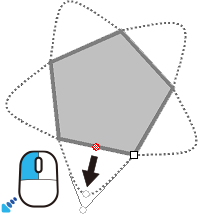
Changing the Shapes of Multiple Objects
Select the target objects, and then drag the interface items.
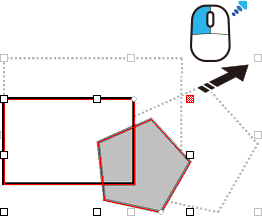
Select the objects, double-click them, and then drag the interface items.
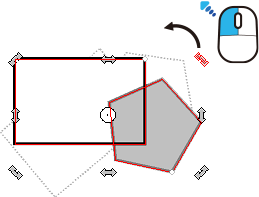
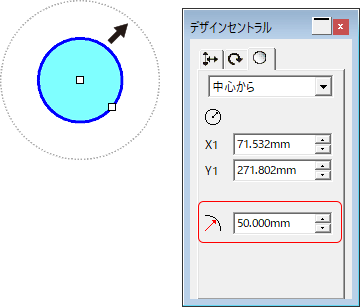
If you want to deform the shapes by specifying the lengths and rotation angles, use the DesignCentral dialog box.
The settable details vary depending on the types of objects that are selected.