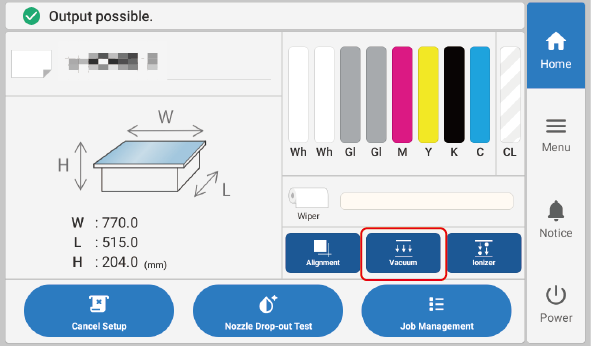
This operation turns the suction function on or off when Manual under Vacuum is selected.
Procedure
Tap on the home screen.
The suction function turns on (or off). When this is selected, the button is displayed as enabled, as shown in the figure below.
IMPORTANT
The suction function cannot be used to hold in place warped or thick objects. Secure the media in place using a substance such as commercially available adhesive tape affixed directly to the flat table.
MEMO
You can adjust the suction force in Media Suction Force.
If the object to be printed on is small, you can further increase the suction force by covering the suction holes with paper or other material in areas without the object to be printed on.
MEMO
The suction function cannot be changed in the following situations.

 on the home screen.