
Setting the Suction Function
The flat table suctions the object to be printed on to make it hard to move and easy to load. This function is especially effective when the object to be printed on is thin and light.
Procedure
-
Tap
 .
.
- Tap .
-
Select Vacuum from the following.
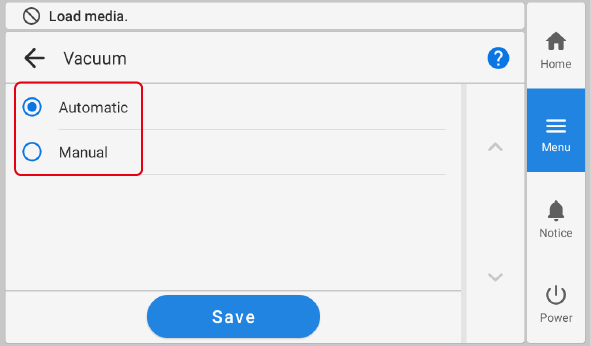
Vacuum Description Automatic Turns the suction function on or off automatically, e.g., when printing.
Manual Turns the suction function on or off on the home screen.
- Tap Save.
-
Tap
 to return to the home screen.
MEMO
to return to the home screen.
MEMODefault setting: Automatic