
Step 5: Performing a Printing Test
Check the remaining ink amounts before starting printing. When the amount of ink becomes low, the machine will sound a warning beep. Refill the ink and resume operation.
MEMO
Check that the print-head carriage has returned to the maintenance station. If the machine detects an intrusion into the movable range of the print-head carriage while the carriage is not in the maintenance station, the safety protection function is activated to stop the machine.Safety Protection Function
Procedure
-
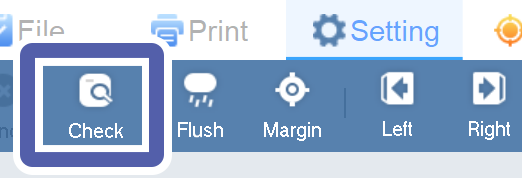
Click Check.
-
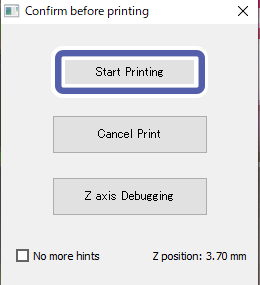
In the Confirm before printing window, click Start Printing.
The machine starts printing of a test pattern.
-
Check the printing result.
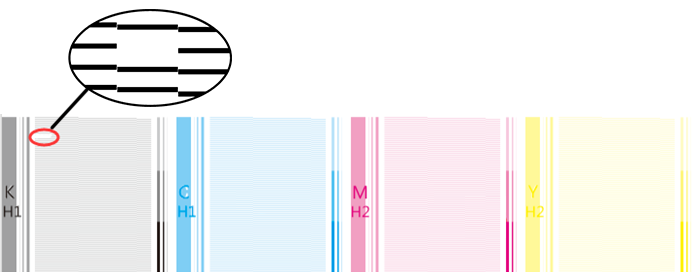 When printing is complete, check that no dot drop-out or dot displacement has occurred. If dot drop-out or dot displacement is present, perform head cleaning again. If the printer has been used for a long period, dot drop-outs may not be fixed even after performing head cleaning two or three times. If this is the case, perform liquid cleaning.