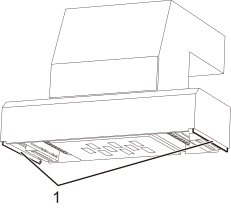
Crash sensors (1) are installed inside the cover of the print-head carriage. During printing, when there is a chance that the media will collide with the print head due to factors such as the media wrinkling, lifting up, and warping, the machine immediately stops the operation of the print-head carriage.
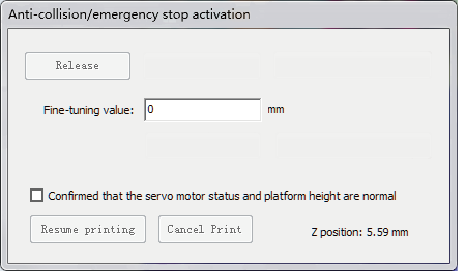
When the operation of the print-head carriage stops, the Anti-collision/emergency stop activation window is displayed on the screen of the computer connected to the machine.
Recovering from the stopped operation state
Eliminate the media wrinkling, lifting up, or warping that caused the machine to stop operating, and then check that the area around the machine is safe.
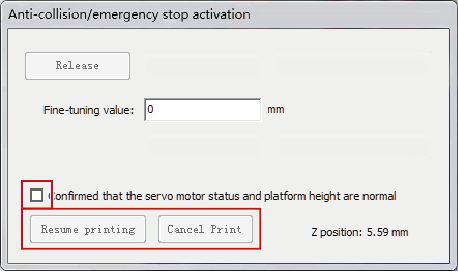
Select the checkbox in the Anti-collision/emergency stop activation window. Next, click Resume printing or Cancel Print to recover the machine from the stopped operation state.