
Starting/Exiting Utility
Starting Utility
Procedure
- Start Roland DG Connect Hub.
Windows 11 (version: 24H2)
Click , and then click Roland DG Connect Hub.
Mac (macOS 15.1)
Click the Roland DG Connect Hub icon from the Dock.
- Select the machine to use.
The applications that can be used with the selected machine are displayed at the bottom of the window.
- Click the Utility icon
 , and then click Open.
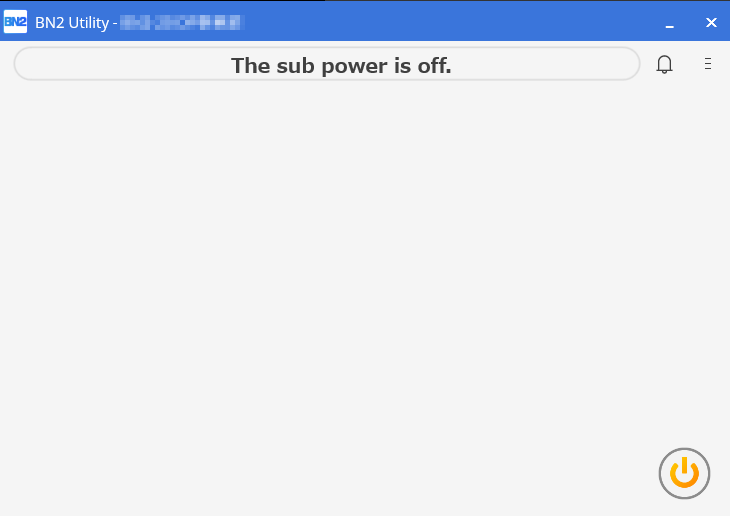
Utility starts.
Exiting Utility
Procedure
Click [X] in the title bar of the Utility window.
This exits the utility.