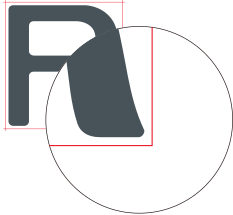
Cutting to Make It Possible to Cut Corners Attractively (Over Cut)
This is effective when using laminated or thick media, or non-resilient media. It also has the effect of making stickers easier to peel off.

Procedure
- Set up the media.
-
Tap
 .
.
- Tap .
- Tap Enable.
- Tap Save to confirm your entry.
-
Tap
 to return to the home screen.
MEMO
to return to the home screen.
MEMO- Default setting: Disable
- The cutting start point is not over cut.