
Sounding a Buzzer to Notify the User of the End of Printing
You can configure the settings so that the user is notified of the end of printing with a buzzer.
Procedure
-
Tap
 .
.
- Tap .
-
Tap On to select it.
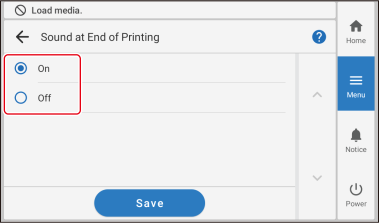
- Tap Save to confirm your entry.
-
Tap
 to return to the home screen.
MEMO
to return to the home screen.
MEMO- Default setting: Off