
1. Checking That the Base Printing Position Setting Is Set to the Lower Right
Procedure
-
Tap
 .
.
- Tap .
-
When Center is selected for Base Printing Position, tap Bottom Right to select it.
If Bottom Right is already selected, proceed to step 5.
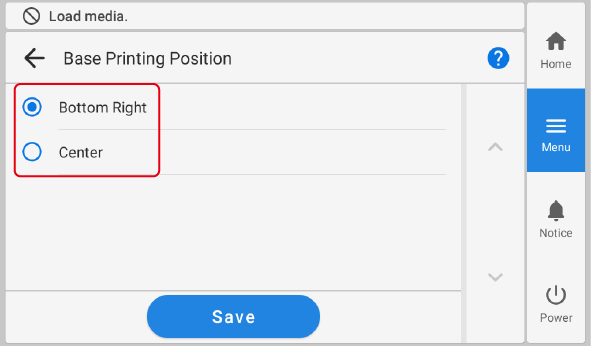
- Tap Save.
-
Tap
 to return to the home screen.