Pausing, Resuming, and Canceling Printing
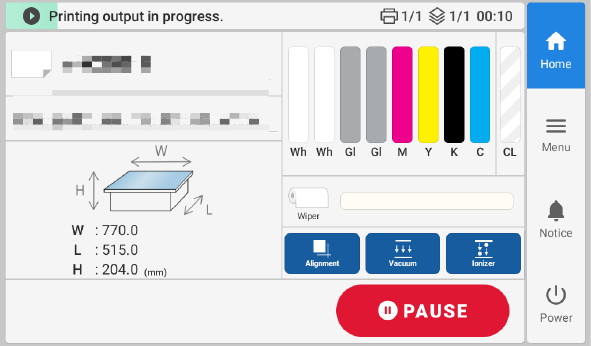
Tap Pause during printing to pause printing.
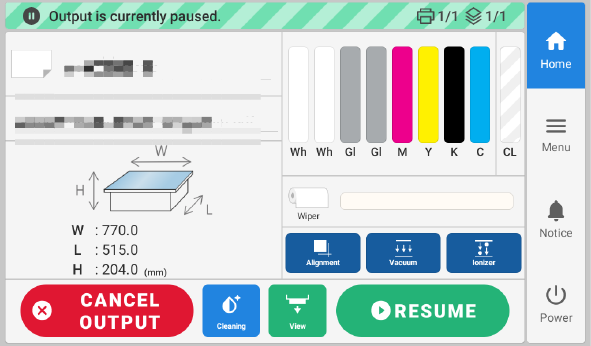
Tap Resume while printing is paused to resume printing.
Tap Cancel Output while printing is paused to cancel printing. If you have canceled printing, stop sending print data from your computer.
Tap  while printing is paused to move the flat table forward.
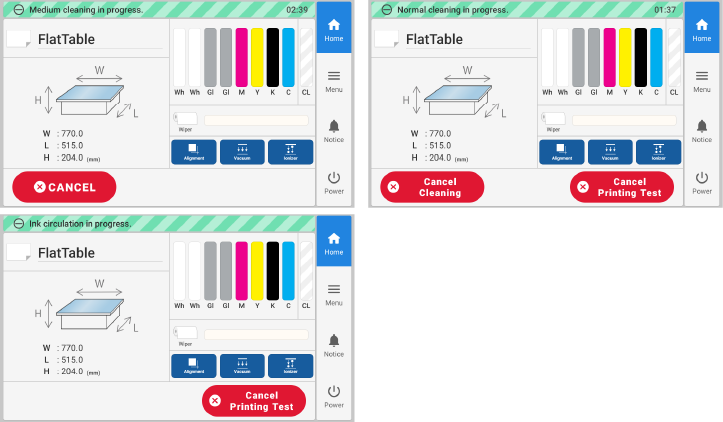
Normal Cleaning, Medium Cleaning, and Powerful Cleaning can be canceled if necessary.
To cancel cleaning, tap  to return to the home screen, and then tap Cancel.
If After cleaning, perform a printing test. or After ink circulation, perform a printing test. is turned on, cleaning and printing tests can be canceled. To cancel cleaning, tap to return to the home screen, and then tap Cancel Cleaning. To cancel a printing test, tap to return to the home screen, and then tap Cancel Printing Test. Note, however, that Ink Circulation cannot be canceled.
Normal Cleaning performed by tapping Finish All in the Manual Cleaning screen can also be canceled by tapping to return to the home screen and then tapping Cancel.