4. Configuring Printing Settings
Procedure
-
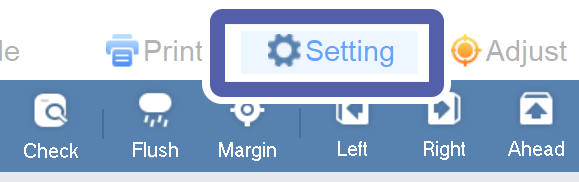
Click the Setting tab.
-
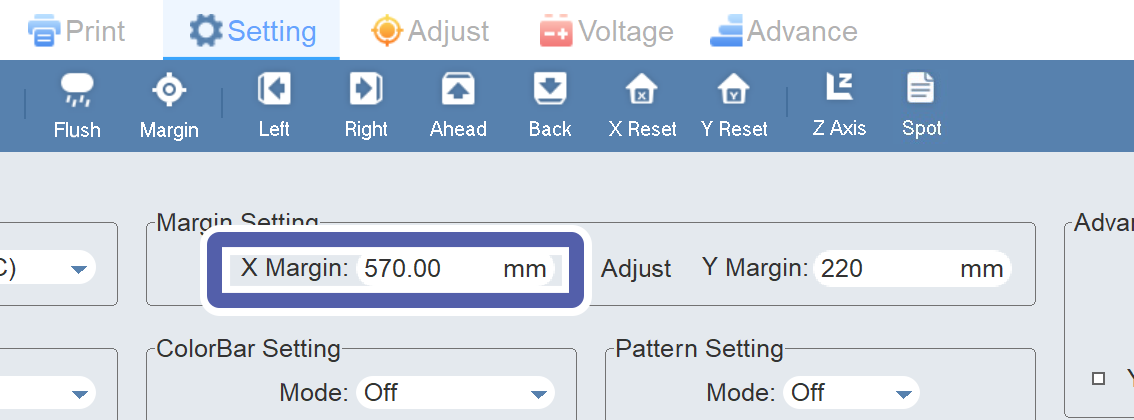
Enter the printing-start position on the X axis to X Margin in Margin Setting.
-
Enter the printing-start position on the Y axis to Y Margin in Margin Setting.
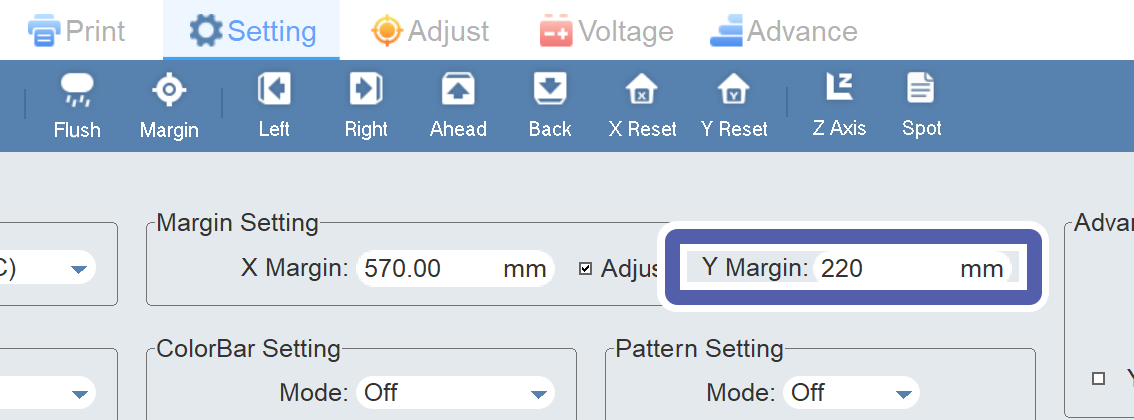 MEMOIf Y Margin cannot be viewed due to letters overlapping on the screen, set the screen resolution to 1,366 × 768.
 IMPORTANT
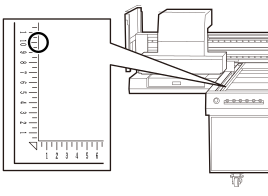
The print origin on the Y axis is set at 100 mm (3.94 in.) on the scale of the flat table.