
Creating Gradation Colors
This section introduces how to create gradation colors, which gradually change between multiple colors.
Procedure
-
Click an object that has been added to a canvas to select it.
The operation panel for the selected object is displayed on the left side of the window.
- Click the color setting for the fill or line.
-
Click Manage My Colors under My Colors.
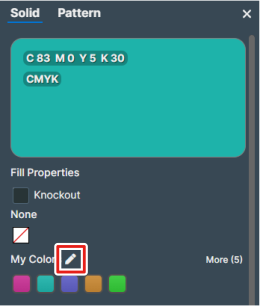
-
Click Add Color.
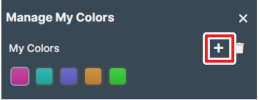
-
Create the gradation color.
- Click Update.