Switching the Layout Area View on the Main Screen
This section explains how to switch the orientation of the preview displayed in the layout area on the main screen.
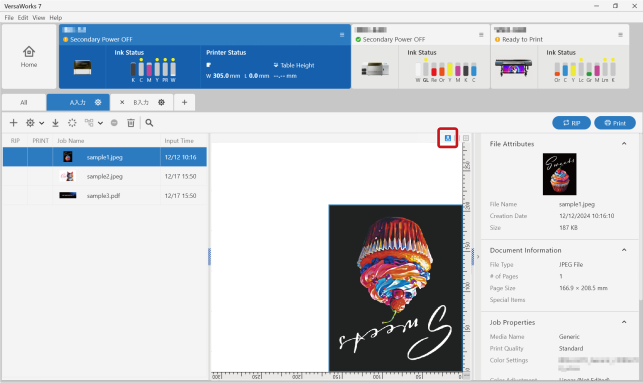
Click  Single View (User View) at the top of the layout area.
The preview is displayed with the orientation of the data printed from the printer (rotated by 180 degrees from the orientation of the print data).