Other: Adding to VersaWorks Data Created in Roland DG Connect Designer
From VersaWorks, you can add print data created in Roland DG Connect Designer.
MEMO The print data that can be added to VersaWorks must be in one of the following file formats.
- JPEG
- PNG
Procedure
-
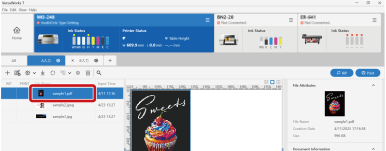
If multiple printers are registered, select the printer to use in the device area.

-
Select the queue folder.
MEMO Click
 in the queue properties setting area to display hidden queue folders.
-
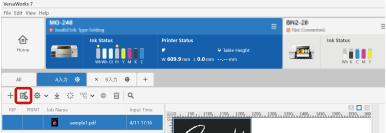
Click
 Add Job from the Internet.
-
Sign in with your Roland DG Connect account.
Roland DG Connect Designer will open.
- Select and download the print data to add to the job list.
-
When the download is finished, close Roland DG Connect Designer.
The downloaded print data is added to the VersaWorks job list.