
Step 5: Installing VersaWorks from Roland DG Connect Hub
Use Roland DG Connect Hub to install VersaWorks.
Procedure
-
Start Roland DG Connect Hub.
- Windows
Click the Roland DG Connect Hub icon in the notification area.
- Mac
Click the Roland DG Connect Hub icon on the Dock.
IMPORTANTWhen using Windows, if you have cleared the Launch Roland DG Connect Hub checkbox in the Roland DG Connect Hub setup wizard, start the software from the Start menu after setup finishes.
- Windows
-
In the main window, select the machine to use.
MEMO
If the printer to register cannot be found, see the "Roland DG Connect Help."
https://support.rolanddg.com/hc/en-us/categories/6469527154585-Roland-DG-Connect
-
Click
 .
.
The sidebar is displayed on the right side of the window.
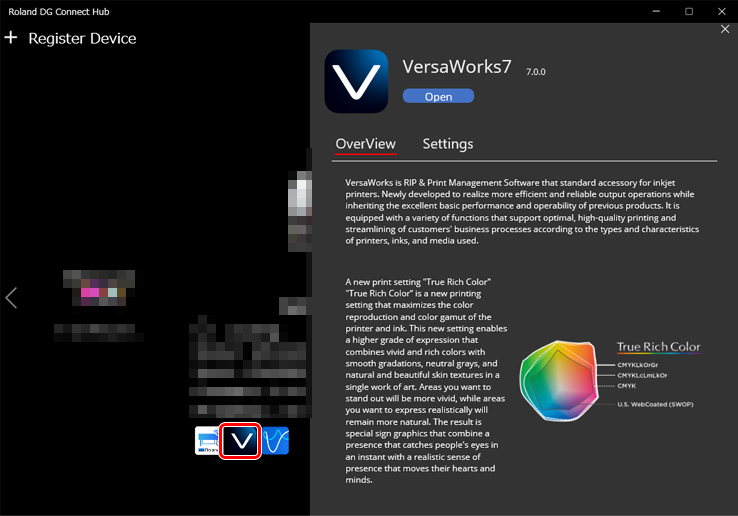
-
Click Install.
After installation completes, click
to start VersaWorks.