
Method for Eliminating Uneven Color Issues with Powerful Cleaning
IMPORTANT
The ink in the print heads is discharged to stabilize the output color, so a certain amount of ink is consumed.
Procedure
- Remove any media.
-
Tap
 .
.
- Tap Powerful Cleaning.
-
Select Both.
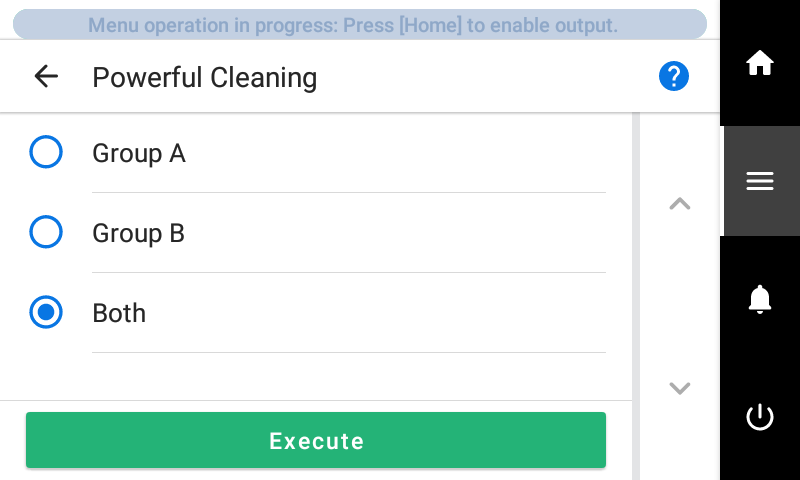
- Tap Execute.
Cleaning will start. The status is displayed as Powerful cleaning in progress. at the top of the operation panel.
On completion, you will return to the original screen.
If uneven output color issues with white ink are not resolved even after performing Powerful Cleaning, perform Ink Renewal Inside Damper.