
Step 2: Downloading and Installing Roland DG Connect Hub
Procedure
-
Log in to Roland DG Connect.
MEMO
If you have not closed the page displayed after you created a Roland DG Connect account, you do not need to log in again. Proceed to Step 2.
-
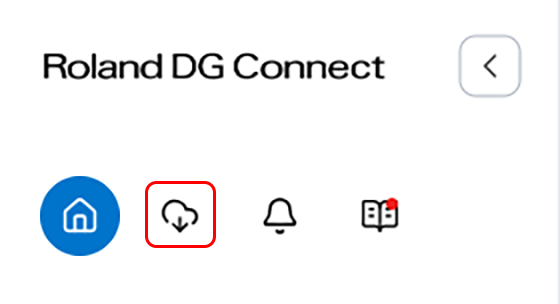
Click
 .
.
-
Download Roland DG Connect Hub.
There is a Windows version and a Mac version of Roland DG Connect Hub. Download the version that matches the OS of your computer.
-
After downloading Roland DG Connect Hub, install it.
Follow the on-screen instructions to install Roland DG Connect Hub.