
Set the Wait Time Per Scan.
The image quality may be rough due to recoil caused by the movement of the print-head carriage during printing. In this situation, you may be able to stabilize the image quality by making the print-head carriage pause when it returns to the opposite side. If the image quality feels coarse, set the Wait Time Per Scan.
Procedure
-
Tap
 .
.
- Tap .
-
Tap
 or
or  to set Wait Time Per Scan.
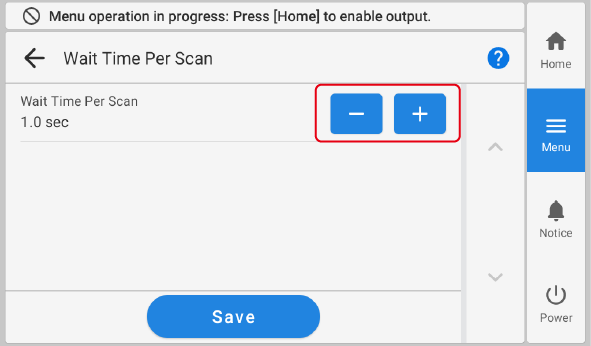
- Tap Save to confirm your entry.
-
Tap
 to return to the home screen.
MEMO
to return to the home screen.
MEMO- Default setting: Off