
Changing the Units of Measurement
Procedure
-
Tap
 .
.
- Tap .
- Tap Length.
- Select the unit.
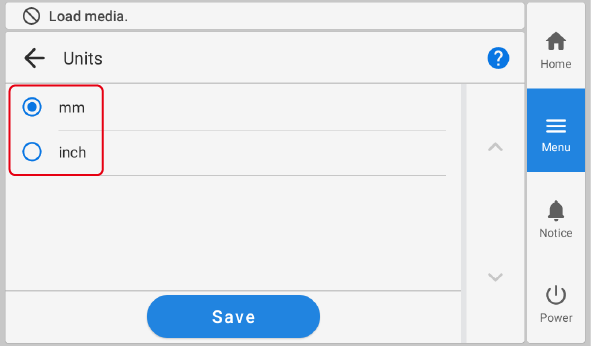
- Tap Save to confirm your entry.
- Tap Temperature.
- Select the unit.
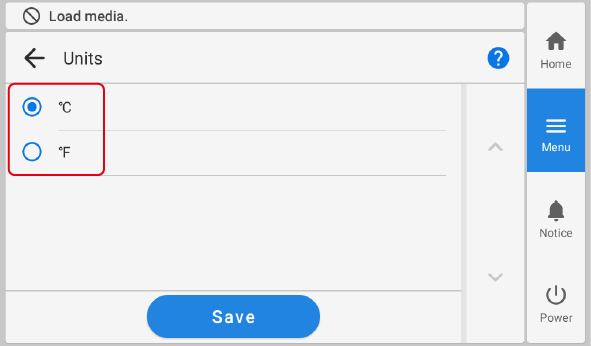
- Tap Save to confirm your entry.
-
Tap
 to return to the home screen.
MEMO
to return to the home screen.
MEMO-
Default setting
- Length: mm
- Temperature: °C
-