Extracting a Color from an Object
This section introduces how to extract a color from one object for use with another object.
Procedure
-
Click an object that has been added to a canvas to select it.
The operation panel for the selected object is displayed on the left side of the window.
-
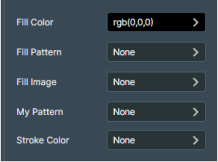
Click the color setting for the fill or line.
-
Extract the color from the object.
-
Select
 Pick color from canvas for Color.
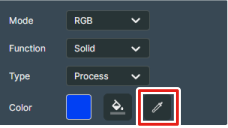
The mouse icon changes to the dropper tool.
-
Select
-
Use the extracted color to replace the color of a fill or line.
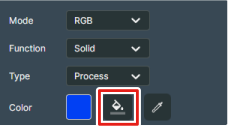
Select
 Paint Bucket Tool for Color, and then click the other object whose color you want to change.