Using Expansion Terminal B to Connect an External Device
WARNING
Perform this task with all power switches left switched off.
Sudden movement of the machine may cause injury.
-
Attach to expansion terminal B (
 ) the terminal to which you want to connect an external device.
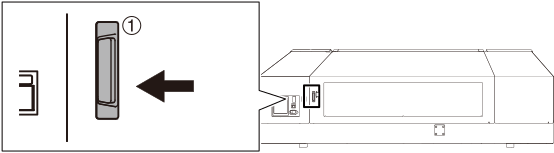
-
Press ▼ several times to display the screen shown below.

-
Press ▼ several times to display the screen shown below.
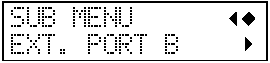
-
Press ▲ or ▼ to select ENABLE.
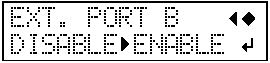
EXT. PORT B Explanation ENABLE Enables the connection to expansion terminal B. DISABLE (default setting) Disables the connection to expansion terminal B.