Switching between 3 and 4 Crop Marks
In most cases you should use 4 crop marks.
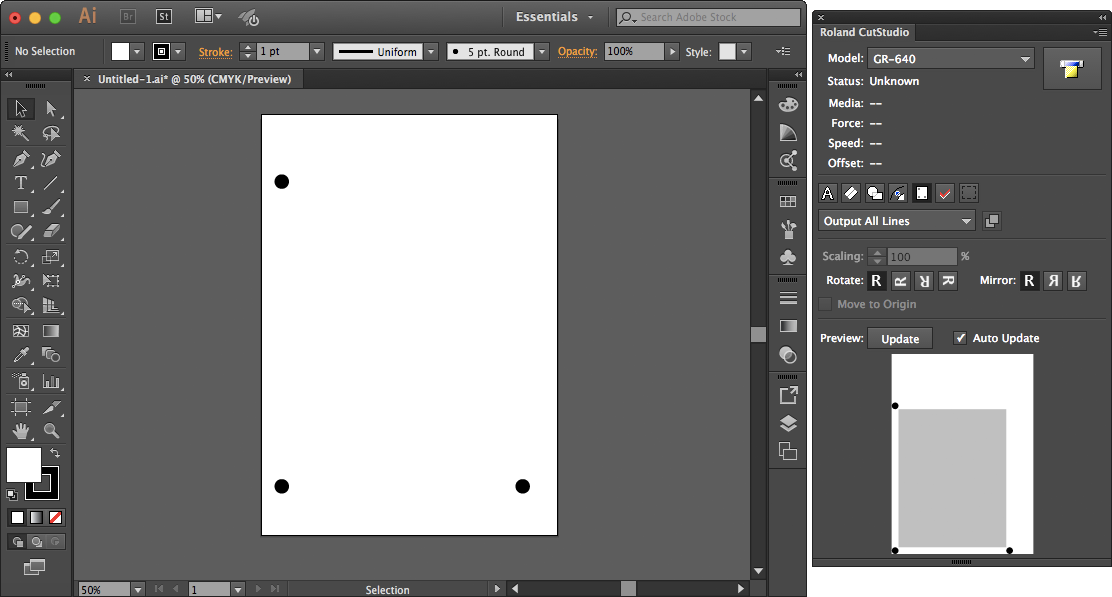
Switching to 3 Crop Marks
Procedure
Click
, and then click Crop marks.
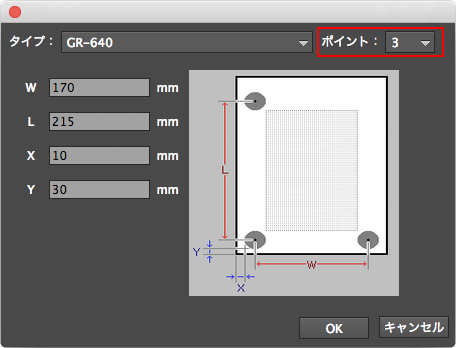
From the Point list, select 3.
Click OK.
Setting the Margins and the Distance between Crop Marks
 , and then click Crop marks.
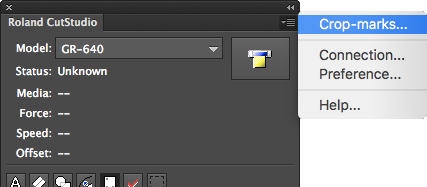
 , and then click Crop marks.